
Sportzfy TV on Smart TV – Install on Android TV & Google TV (2026)
Want to watch live cricket, football, IPL, PSL, and other sports directly on your big Smart TV screen? Good news! You can easily install Sportzfy TV on Android TV, Google TV, and Smart TV boxes.
Sportzfy TV is fully compatible with most Android-powered Smart TVs. No need for extra devices just follow the simple steps below.
How to Install Sportzfy TV on Smart TV
Method 1: Using Downloader App
- On your Smart TV, open the Google Play Store.
- Search for “Downloader” by AFTVnews and install it.
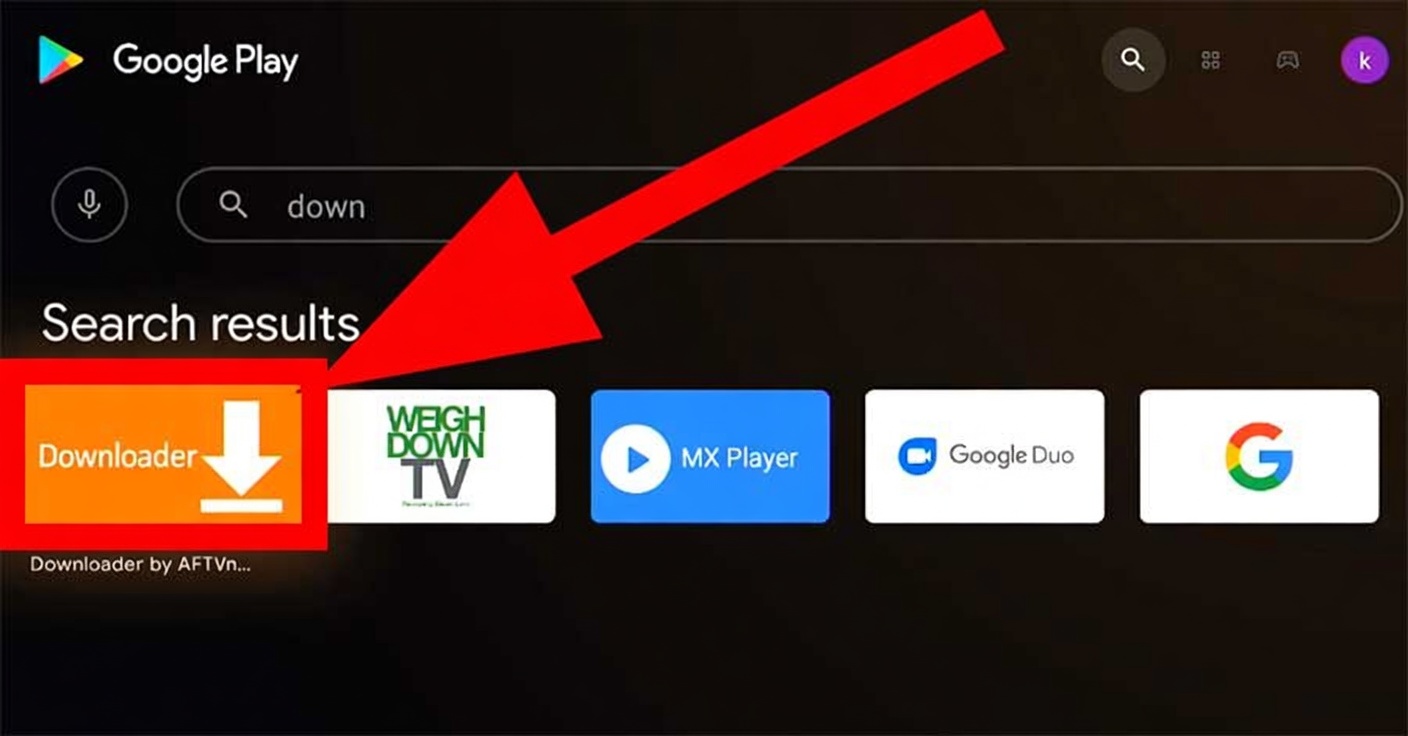
- Download the latest Version link from this website
- Click Go and wait for the Sportzfy TV APK to download.
- After download completes, click Install.
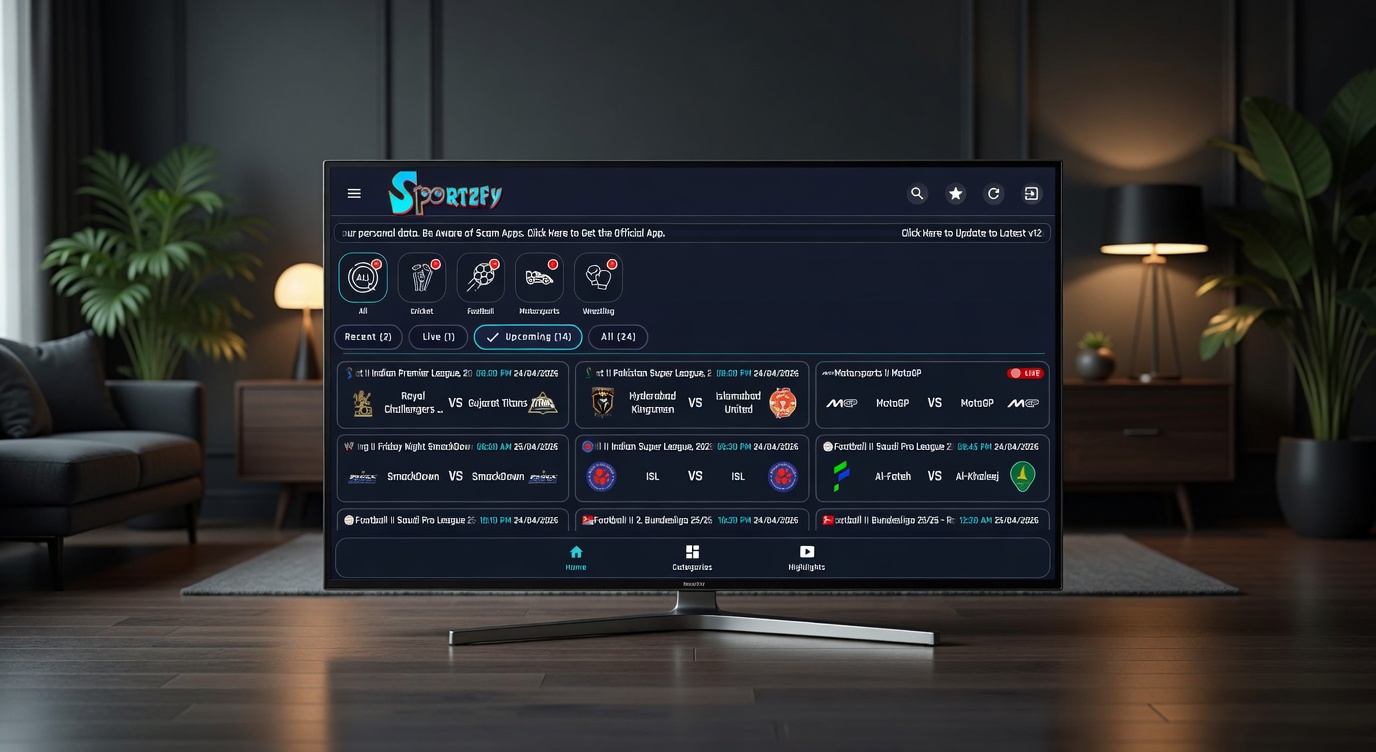
- Once installed, open Sportzfy TV and enjoy live sports in HD on your big screen.
Method 2: Using USB Drive
- Download the Sportzfy TV APK on your phone or PC from this website.
- Copy the APK file to a USB flash drive.
- Plug the USB into your Smart TV.
- Open your TV’s File Manager or My Files app.
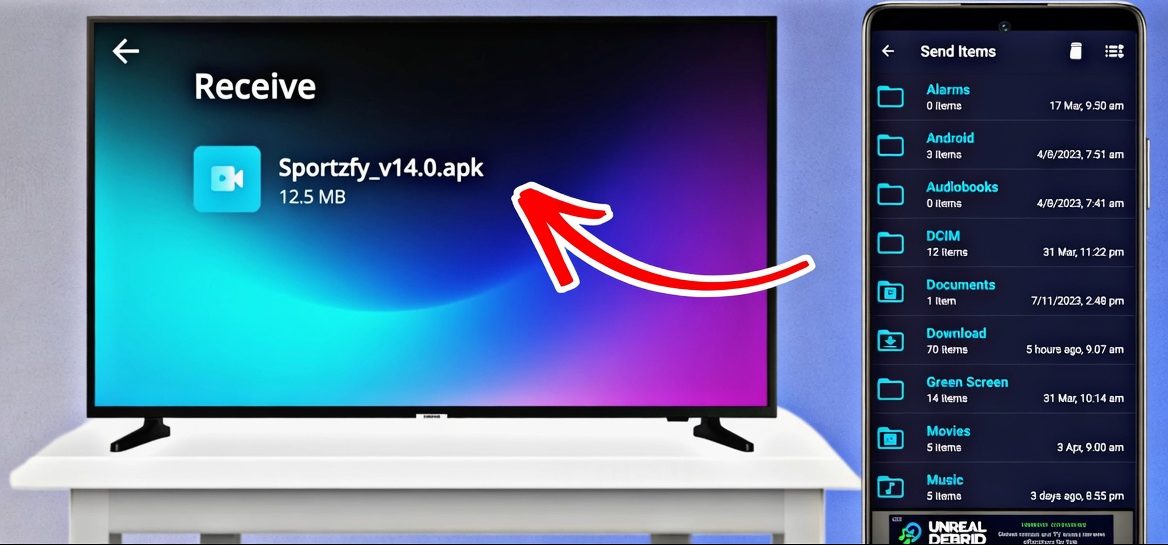
- Locate the APK file and install it.
- Open the app after installation.
Compatible Smart TVs
- Android TV
- Google TV
- Xiaomi TV
- Sony Bravia
- TCL Smart TV
- Hisense Smart TV
- Any TV with Android OS
Pro Tips for Best Experience
- Always allow “Install from Unknown Sources” in your TV settings.
- Use a stable Wi-Fi connection for smooth HD streaming.
- Keep Sportzfy TV updated for new matches and features.
- If one server doesn’t work, try another inside the app.
- For better performance, connect your TV with Ethernet cable if possible.
Now enjoy all major sports leagues, IPL, BPL, PSL, Premier League, La Liga, and more directly on your Smart TV with Sportzfy TV.